Markdown Preview

Your .md files, finally readable.

The free Mac app that turns raw Markdown files into clean documents you can actually read. No setup, no account — just open the file.
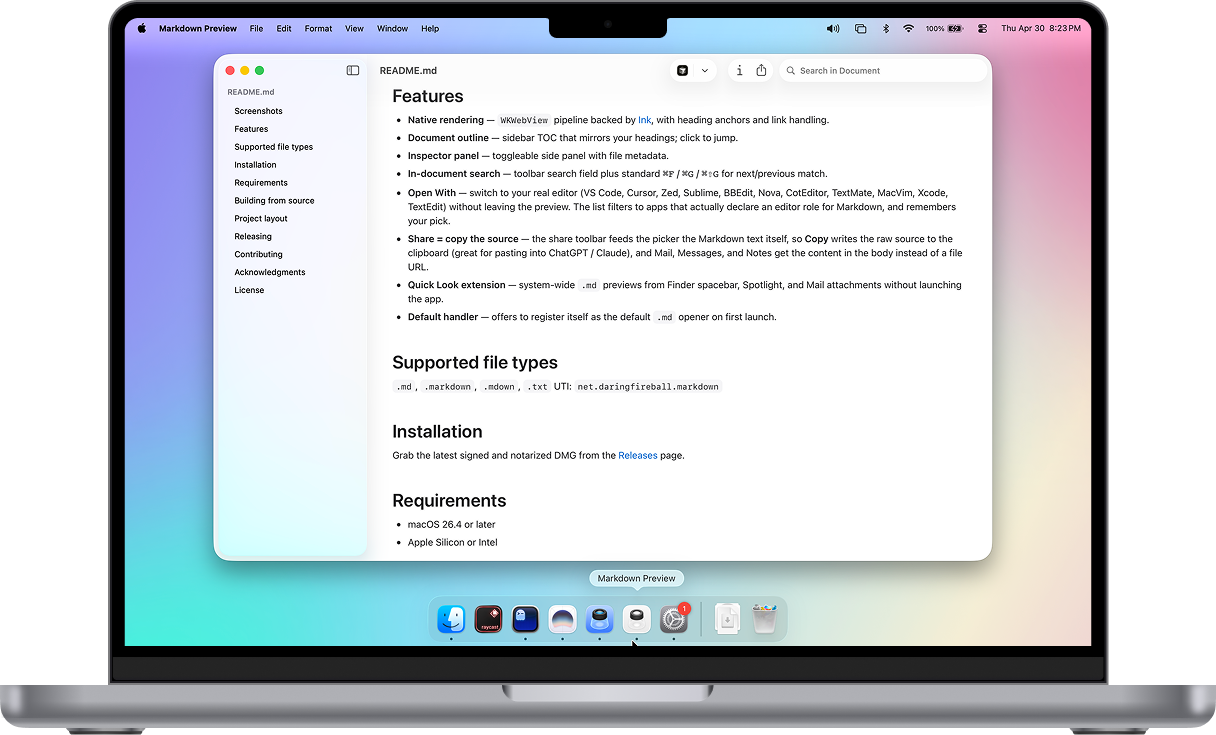
Markdown Preview rendering a README on a MacBook Pro

Trusted by teams at 300+ companies

1,400+ stars on GitHub · See the full list

Ever opened a .md file and seen this?

Notes, docs, and almost everything AI tools write come as Markdown — plain text sprinkled with # and ** symbols. Same file, two very different reading experiences.

launch-plan.md
# Launch plan

Everything we need before the
**August 15** launch.

## This week

- Finalize the pricing page
- Send the announcement email
- Brief the support team

> Demo for the sales team
> on Friday.
Before — what your Mac shows you
launch-plan.md

Launch plan

Everything we need before the August 15 launch.

This week

  • Finalize the pricing page
  • Send the announcement email
  • Brief the support team
Demo for the sales team on Friday.
After — the same file in Markdown Preview

Designed to disappear. Built to feel native.

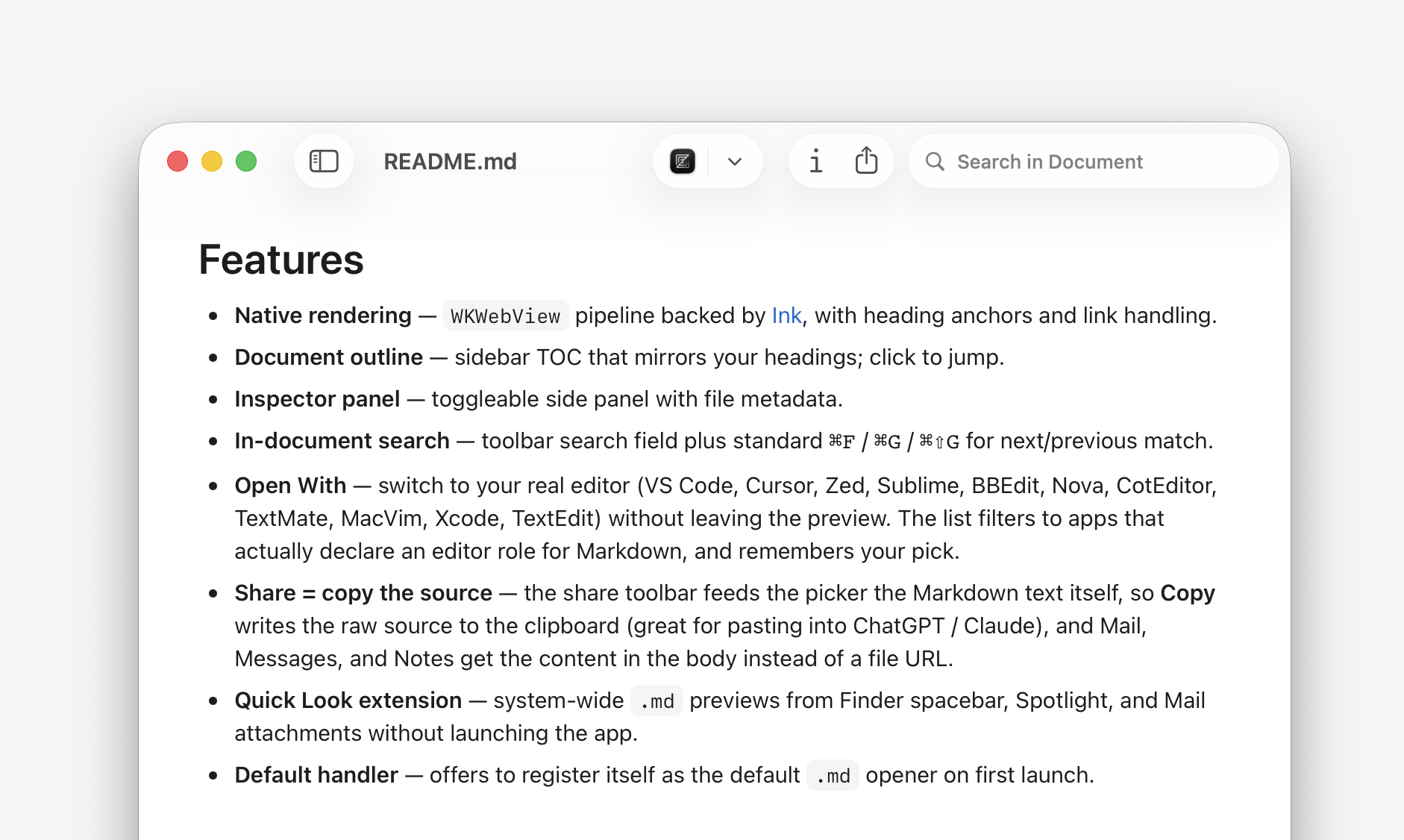
Markdown Preview rendering a Markdown document natively on macOS

Feels native. Designed for the Mac with the polish of a system app. It opens instantly, needs no account or setup, and respects every shortcut you already know. Install it once and forget it's there.
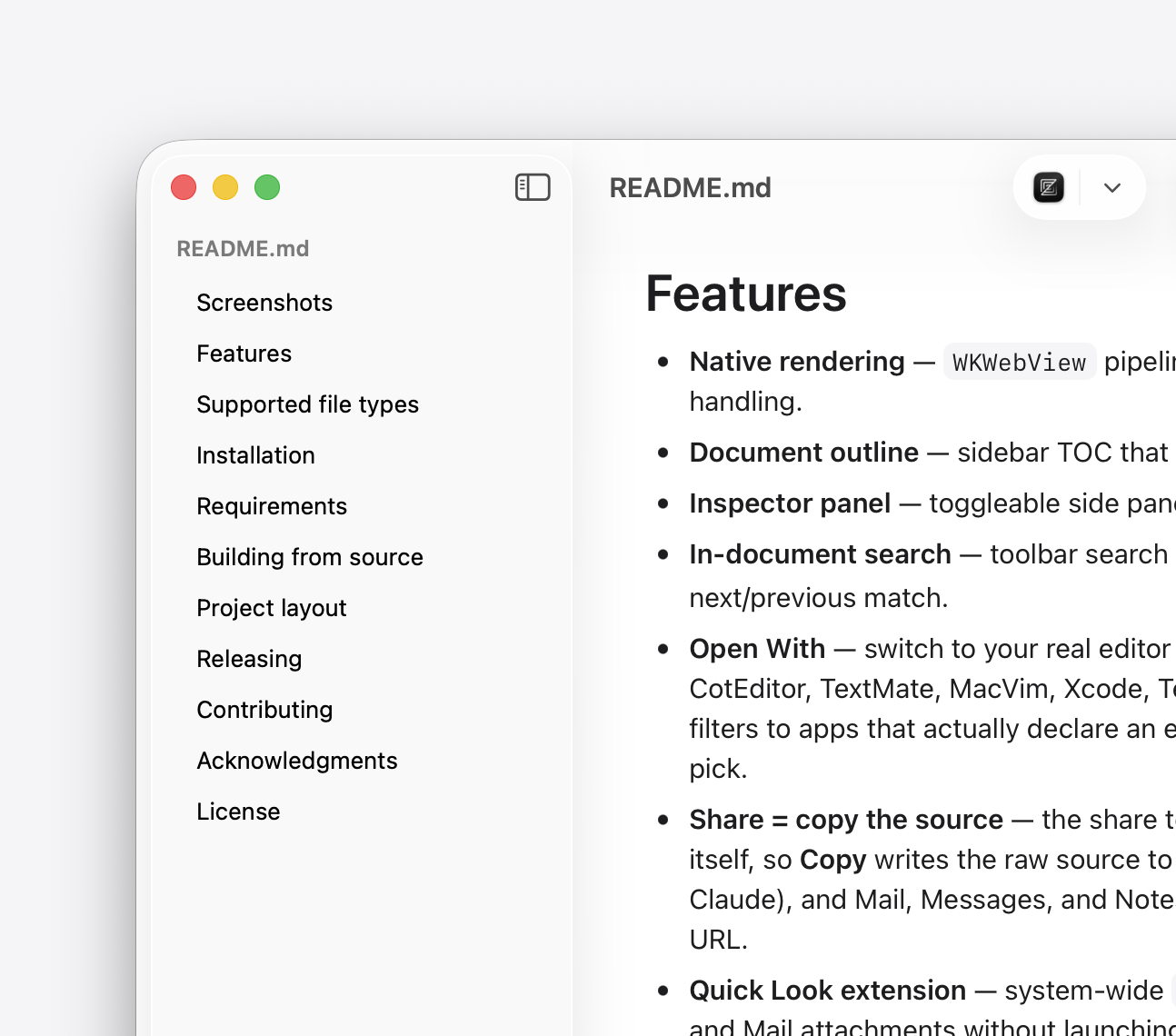
Markdown Preview document outline sidebar showing every heading as a navigable list

Find your place. Every heading becomes a navigable table of contents. Click to jump between sections, or scroll naturally — the active heading follows you down the page.
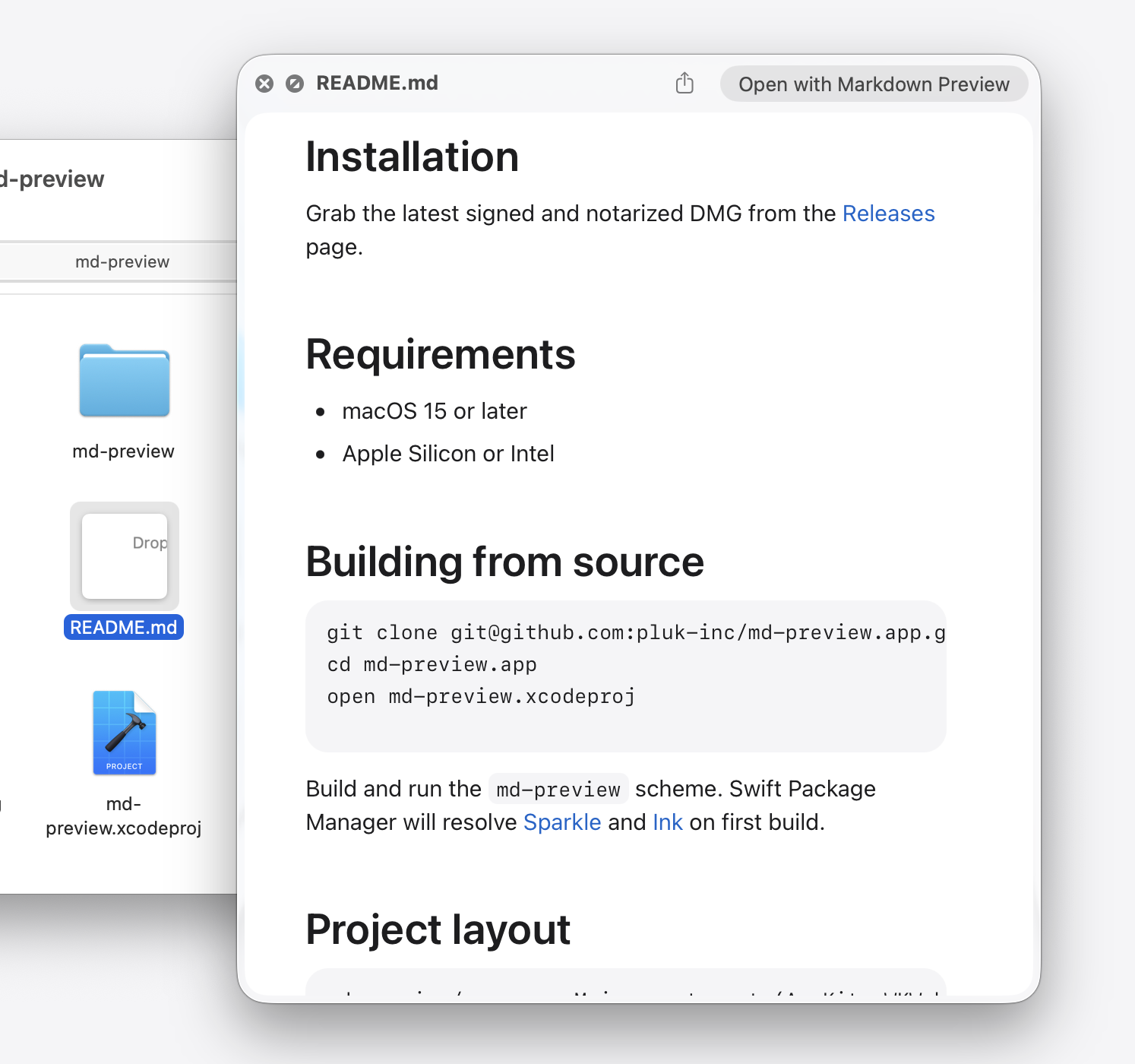
Quick Look preview of a Markdown file in Finder

Just press space. On any .md file in Finder, the bundled Quick Look extension renders the document inline. Spotlight previews use the same renderer.
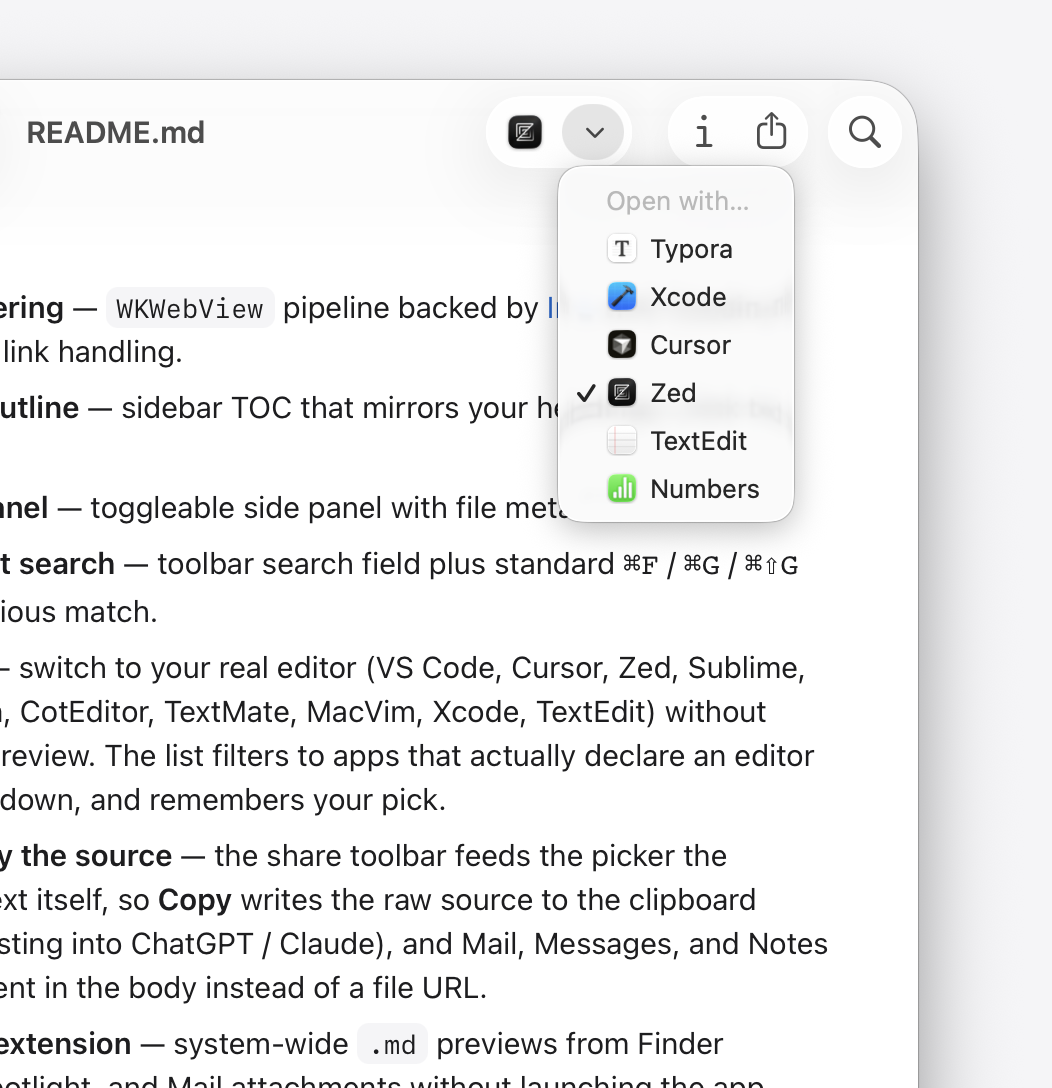
Open With picker showing Typora, Xcode, Cursor, Zed, TextEdit and Numbers as Markdown editors

Edit when you're ready. When you want to write, Markdown Preview hands off to your editor of choice — VS Code, Cursor, Zed, Sublime, or any other Markdown-aware app. The picker remembers your last choice.

Questions before you install.

What is a .md file?
.md is short for Markdown — a plain-text way of writing documents. It's used for notes, project docs, README files, and most of what AI tools like ChatGPT and Claude produce. Opened in a plain text editor it looks like code, full of # and ** symbols. Opened in Markdown Preview, it reads like a normal formatted document.
What is Markdown Preview for?
It turns .md files into clean, readable documents. Double-click a file and you get proper headings, lists, and tables instead of raw text. When you want to make changes, one click hands the file to whichever editor you prefer.
Do I need to be technical to use it?
No. Download it, drag it into Applications, and double-click any .md file. There is nothing to set up and no account to create.
Does it work with Finder previews?
Yes. Select any .md file in Finder and press the space bar — the formatted document appears instantly, without opening an app.
How is it different from Typora or Marked?
Those are editors for writing Markdown. Markdown Preview focuses on reading: it opens files instantly, previews them straight from Finder, and hands off to your editor when you want to write. It sits beside VS Code, Cursor, Zed, or whichever app you already use.
Is it free?
Yes — free and open source (MIT licensed), with no ads and no paid version. If it's useful to you, small contributions are welcome but never required; they help keep it free for everyone.

Free. Open source.
Built for the Mac.

Requires macOS 15 or later

thank-you.md

Thank you.

Markdown Preview is free for everyone — no ads, no accounts, no paid version. It's built by one person, and I'd love to keep it that way.

If it's useful to you, a small contribution — $1, $3, or $5 — helps keep it free for everyone. A star on GitHub helps more people find it.